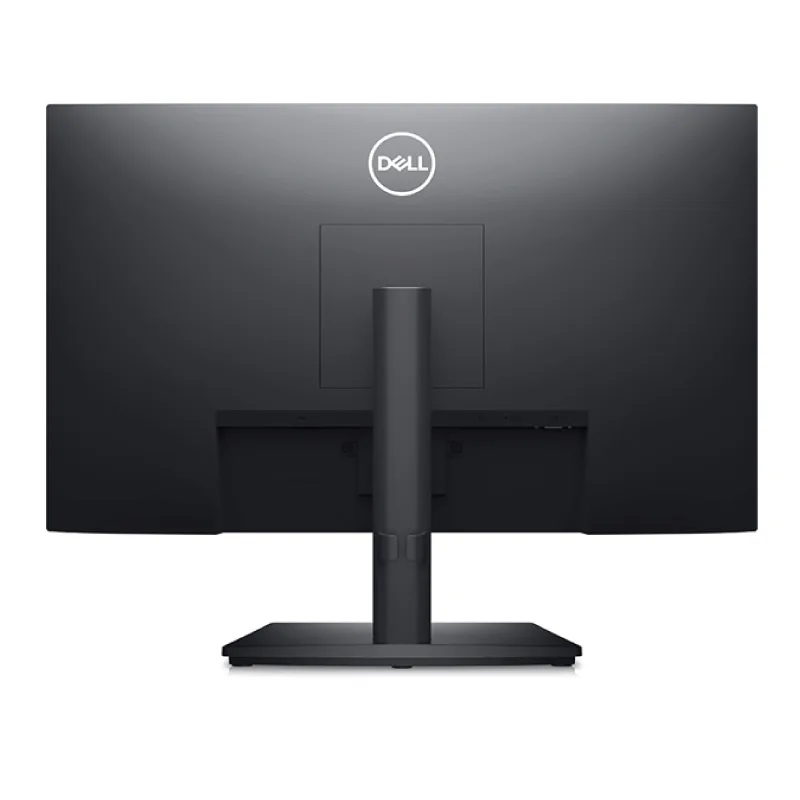
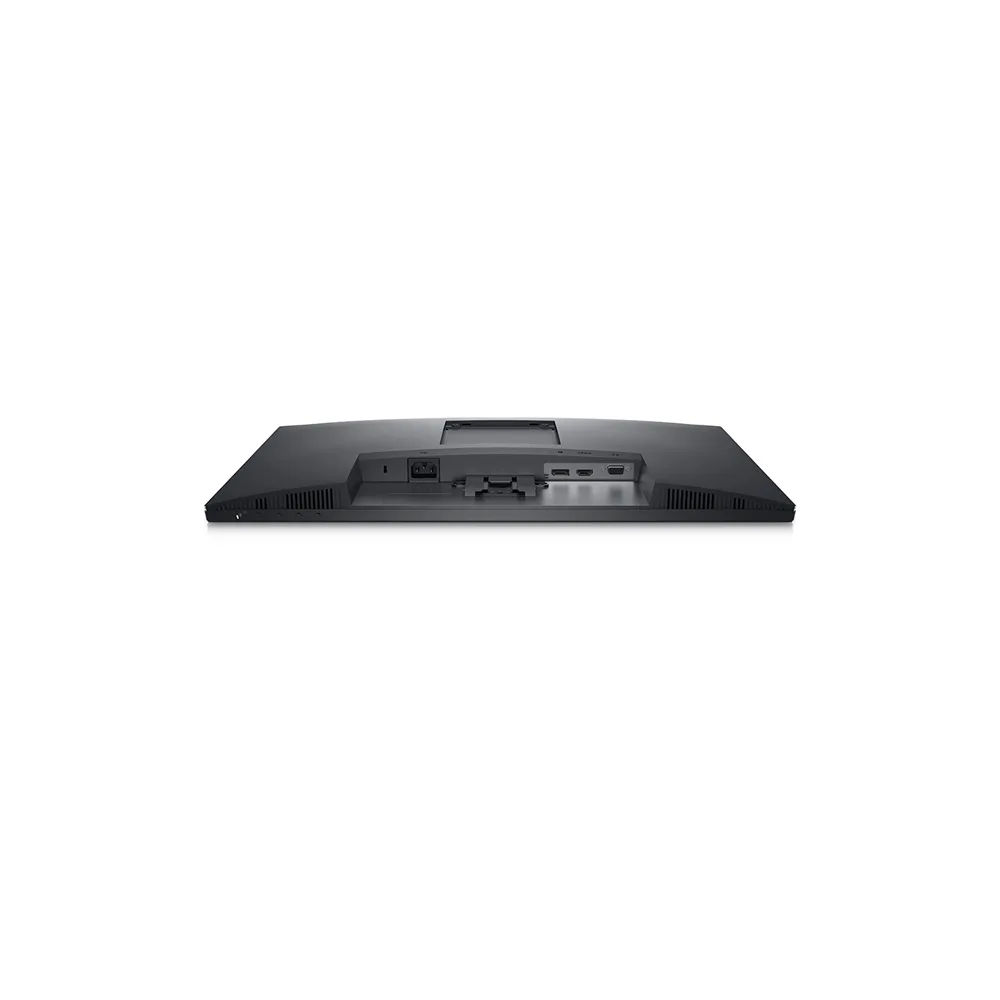
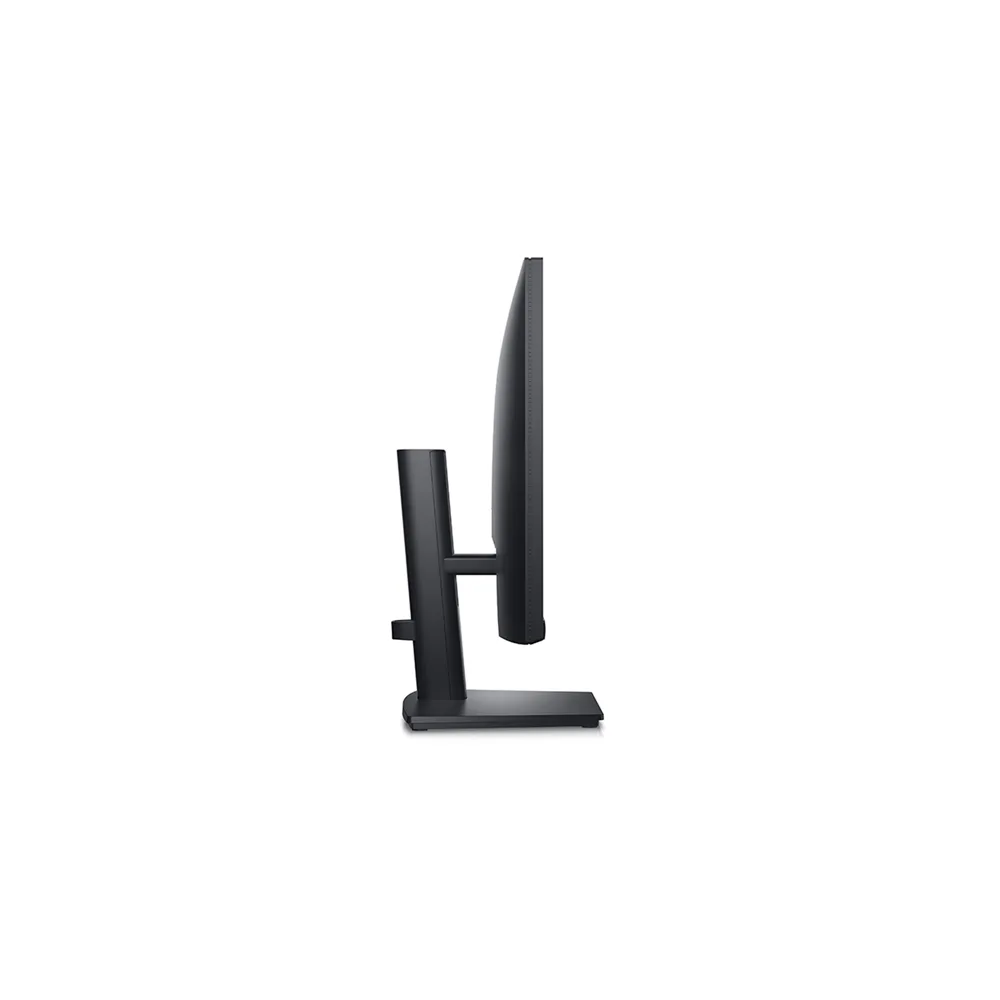

Tech Specs
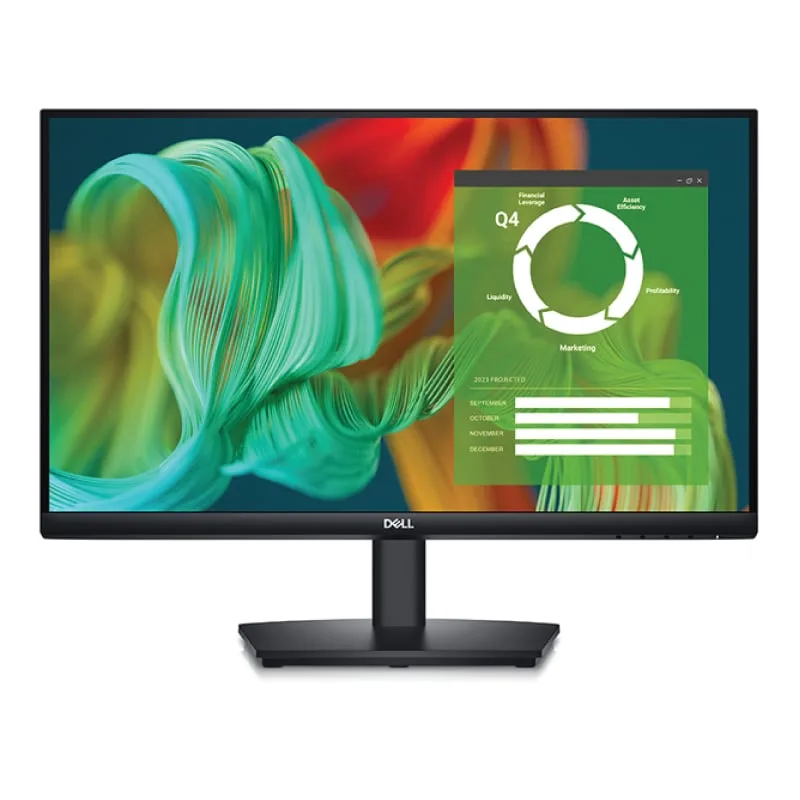
LED-backlit LCD monitor / TFT active matrix
23.8″
VA
16:9
Full HD (1080p) 1920 x 1080 at 60 Hz
0.2745 mm
250 cd/m?
3000:1 / 3000:1 (dynamic)
16.7 million colours
72% NTSC (CIE 1931), 83% NTSC (CIE 1976)
5 ms (grey-to-grey fast), 8 ms (grey-to-grey normal)
178?
178?
Anti-glare
LED backlight
Flicker-Less technology, Dell ComfortView, Low Blue Light technology, 3-sided bezeless
53.864 cm x 20.946 cm x 37.791 cm – with stand (lowest position)
4.53 kg
Speakers – stereo
1 Watt
- DisplayPort 1.2
- VGA
- HDMI
Height, swivel, tilt
-5/+21
346
135 mm
100 x 100 mm
Security lock slot (cable lock sold separately), VESA interface support
1 x HDMI cable
AC 100-240 V (50/60 Hz)
16 W
28 Watt
0.3 Watt
0.3 Watt
0.3 Watt
Yes
Dell Display Manager
- With stand (lowest position) – width: 53.864 cm – depth: 20.946 cm – height: 37.791 cm – weight: 4.53 kg
- With stand (highest position) – width: 53.864 cm – depth: 20.946 cm – height: 51.207 cm – weight: 4.53 kg
- Without stand – width: 53.864 cm – depth: 4.89 cm – height: 32.421 cm – weight: 2.82 kg
5.96 kg

The essentials you need to be more productive
Crisp images: Get an impressive 3000:1 contrast ratio for deeper blacks.
Easy on the eyes: This monitor has a flicker-free screen with ComfortView, a software feature that reduces harmful blue light emissions. It?s designed to optimize eye comfort even over an extended period of time
Functional, space-saving design

Clean, simple design: A three-sided narrow bezel adds a modern look that keeps you focused on your work.
Amplify your work: Easily focus on incoming audio notifications with the new integrated speakers.

Comfortably productive: Work without craning your neck with a height adjustable stand that extends up to 5.1-inch(130mm).
Adapts to your needs: Fits on any desk size with VESA-compatible mounts and stands.

Convenient connectivity: Connect to current and legacy systems via HDMI, VGA and DP ports.
Optimize your setup: Cut clutter with space-saving features like a compact stand that hides your cables while complementing any workspace.
Improved Dell Display Manager

Modern intuitive user interface: Introducing a new, modern user interface for ease of use and personalization of features with Menu launcher.
Productive at every level: Easy Arrange allows you to easily tile multiple ap